
 Jules Samuel
Instagram comments disappearing can frustrate content creators and businesses trying to engage with their audience. This common issue stems from technical glitches, privacy settings, or platform moderation systems. Understanding why comments vanish helps you quickly restore normal functionality and maintain meaningful connections with your followers on this popular social media platform.
Main reasons why Instagram comments are not showing
When Instagram comments disappear from your posts, several factors could be at play. Understanding these causes helps you quickly identify and fix the problem.
Technical issues are among the most common culprits. Poor internet connection prevents your device from loading comments properly, while an outdated Instagram app version may struggle to display the latest features. Cache overload on your device can also interfere with how comments showing appear on your screen.
Instagram’s built-in moderation system automatically filters content that violates community guidelines. The platform uses algorithms to detect spam, inappropriate language, or suspicious behavior, which can hide legitimate comments from your view comments section.
User-specific settings play a significant role too. If someone has blocked or restricted you, their comments won’t appear on your posts Instagram. Similarly, if you’ve enabled custom keyword filters in your privacy settings, comments containing those words will be hidden automatically.
Post owners can also disable commenting entirely through the “Turn Off Commenting” feature, making it impossible for followers to read Instagram conversations. Server outages on Instagram’s end, though less common, can temporarily prevent comments from loading across the entire social media platform.
Step-by-step fixes to make Instagram comments reappear
When Instagram comments aren’t showing up on your posts, try these proven solutions to get them back. Start with the most common fixes that work for most users.
First, check your internet connection. Poor connectivity often prevents comments Instagram from loading properly. Switch between Wi-Fi and mobile data to test if this resolves the issue.
Next, update your Instagram app through your device’s app store. Outdated versions frequently cause comment display problems and may prevent you from being able to view comments normally.
For Android users, clear cache by going to Settings > Apps > Instagram > Storage > Clear Cache. iPhone users should delete and reinstall the Instagram app since iOS doesn’t allow direct cache clearing.
Try restarting your device completely – this simple 2-min read solution often fixes temporary glitches affecting how you view and interact with posts Instagram.
Check your comment privacy settings by navigating to Settings > Privacy > Comments. Make sure commenting isn’t turned off for your posts.
Finally, log out of Instagram completely and log back in. This refreshes your account connection and often restores missing comments showing functionality.
How Instagram’s moderation and filters affect comment visibility
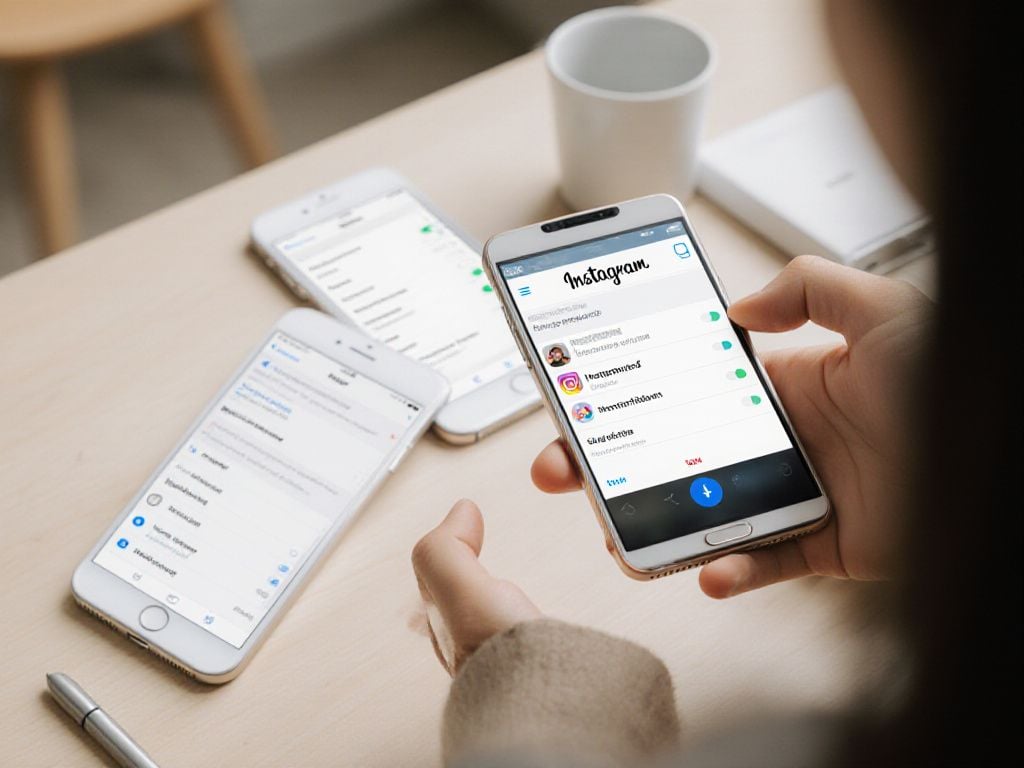
Instagram uses sophisticated automatic moderation systems that can make comments disappear without warning. The platform’s spam detection algorithms analyze comment patterns, frequency, and content to identify potentially unwanted interactions. When the system flags a comment as spam, it becomes invisible to other users while remaining visible to the original poster.
The offensive language filters automatically hide comments containing words or phrases Instagram considers inappropriate. These filters work in real-time and can sometimes be overly aggressive, hiding legitimate comments that contain flagged terms. Users often don’t realize their comments have been filtered until they check from another account.
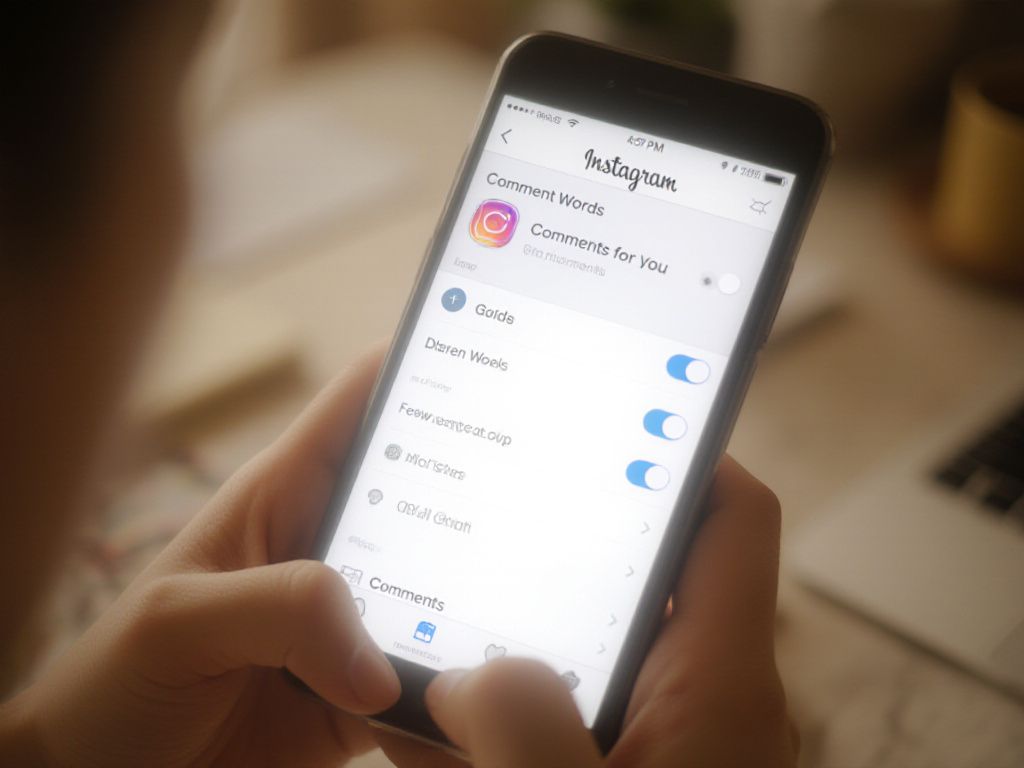
Instagram’s ‘Hidden Words’ feature allows users to create custom lists of blocked terms. Comments containing these words won’t appear in the comment section, which can significantly reduce comment visibility on posts. This setting affects both direct comments and replies to existing comments.
The ‘Comments for You’ feature prioritizes comments from followers and accounts you interact with frequently. This means comments from new or unfamiliar accounts may be pushed down or hidden entirely. Users can adjust these settings by navigating to their Instagram app privacy settings and modifying comment controls to allow broader visibility and engagement on their posts.
How restrictions, blocks, and shadowbans can impact comment visibility
When you can’t see comments on Instagram, the issue might stem from restrictions, blocks, or shadowbans affecting your account. These Instagram features directly impact how you interact with posts and followers.
Account restrictions work differently from blocks. When someone restricts you, your comments become visible only to you and mutual followers. The restricted person won’t see notifications about your activity, creating an invisible barrier that affects comment visibility.
Being blocked completely prevents you from seeing someone’s content or leaving comments. You won’t be able to view comments on their posts or engage with their Instagram posts at all.
Shadowbans are Instagram’s way of limiting reach without notification. Your comments may appear to you but remain hidden from others, reducing engagement on your posts Instagram content.
- Check if you’re restricted by looking for limited interaction options
- Test comment visibility by asking friends to check your comments
- Review your own block and restrict lists in Instagram settings
- Monitor engagement drops that might indicate shadowban effects
These restrictions protect users from unwanted interactions while maintaining social media safety. Understanding how they work helps you navigate comment issues and maintain healthy engagement with your Instagram followers.

Preventive actions to avoid Instagram comment issues in the future
Taking proactive steps can save you from future Instagram comments headaches. The key is maintaining healthy habits that keep your account in good standing with Instagram’s moderation systems.
Start by keeping your Instagram app updated regularly. New versions often fix bugs that cause comment visibility problems. Set your phone to auto-update apps or check weekly for Instagram updates in your app store.
Next, clear cache monthly to prevent data buildup that can interfere with comment loading. This simple maintenance step keeps your app running smoothly and prevents technical glitches.
Review your comment settings periodically to make sure they align with your engagement goals. If you want maximum interaction on your posts Instagram, avoid overly restrictive filters that might hide legitimate comments from your followers.
Practice smart engagement habits by spacing out your activity throughout the day. Avoid rapid-fire commenting or using the same phrases repeatedly, as this can trigger spam filters. When posting, limit hashtags to 5-10 per post rather than maxing out at 30.
Monitor Instagram’s official channels for outage announcements, and consider using social media management tools that can help you track engagement patterns and spot issues early.
Conclusion
Resolving Instagram comment visibility issues requires understanding technical troubleshooting, privacy settings, and platform policies. By implementing preventive measures and staying updated on Instagram changes, content creators can maintain consistent engagement with their audience. These solutions help build stronger connections and avoid future comment-related problems on the platform.
Frequently Asked Questions
What causes Instagram comments to suddenly disappear?
Content moderation settings, shadow bans, or platform restrictions can prevent users from viewing or posting comments. If you’re experiencing comment visibility issues, these factors might be affecting your Instagram experience and account functionality.
What prevents me from viewing comments on other users’ Instagram posts?
Several factors can block comment visibility including:
- The user has blocked you or hidden your comments
- Comments are disabled for that specific post
- Your comment filters or account restrictions
- Technical issues or outdated app versions
What causes Instagram to automatically hide user comments?
Instagram’s algorithms automatically hide comments to prevent spam, offensive language, and bullying. While this creates a safer environment, legitimate comments can be mistakenly flagged. Users can also manually hide comments using keyword filters.
How can I restore missing comments on my Instagram posts?
To restore comments:
- Go to your post and tap “View all comments”
- Scroll down and select “See hidden comments“
- Check if commenting is enabled in post options
- Update the app or clear cache if needed