
 Jules Samuel
Learning how to pin a comment on Instagram helps content creators and businesses highlight the most valuable audience responses. This feature allows you to showcase up to three comments per post, creating better engagement and social proof. Mastering this simple technique can transform how your audience interacts with your content and boost your overall Instagram strategy.
Step-by-step guide to pinning comments on Instagram
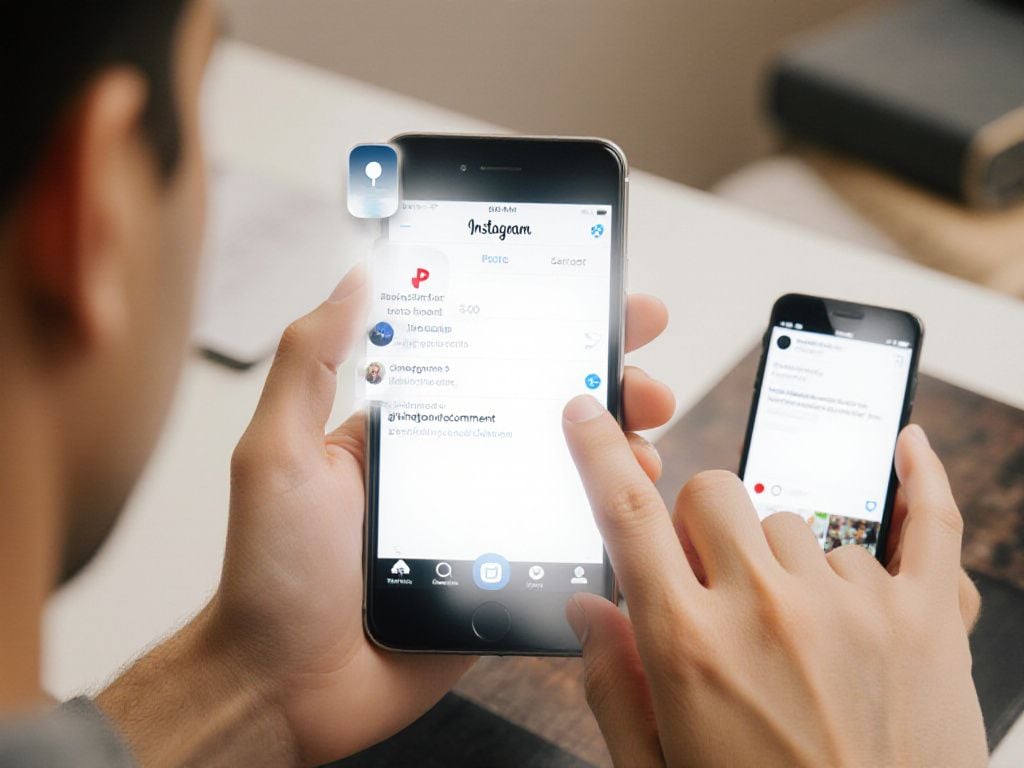
Instagram allows users to pin up to three comments per post, whether on regular posts, Reels, or during Live sessions. This feature helps highlight the most valuable responses from your audience and creates better engagement with your content.
The process to pin comment varies slightly between Android and iOS devices, but both methods are straightforward and take just a few seconds to complete.
For Android users, follow these simple steps:
- Open the Instagram app and navigate to your desired post
- Locate the specific comment you want to pin
- Tap and hold the comment until a toolbar appears
- Select the thumbtack icon to pin the comment
For iOS users, the process is equally simple:
- Open Instagram and go to your post
- Find the comment you wish to highlight
- Swipe left on the comment
- Tap the pin-shaped icon that appears
- Confirm by selecting “Pin comment”
As of September 2025, Instagram official updates now allow users to pin their own comments in addition to pinning others’ responses. To unpin a comment, simply repeat the same steps and select the unpin option. Remember, you can pin three comments maximum per post, giving you flexibility to showcase the best interactions with your content.
Why and when to use pinned comments on Instagram
Pinned comments on Instagram serve as a powerful tool for social media marketing and audience engagement. When you pin a comment, it stays at the top of your post’s comment section, making it the first thing viewers see when they scroll through responses.
Content creators and brands can leverage this feature to showcase customer testimonials and positive feedback, creating instant social proof that influences potential buyers. For businesses, pinning comments that highlight product benefits or customer satisfaction can significantly impact purchasing decisions.
The feature also excels at addressing frequently asked questions. Instead of repeatedly answering the same queries, you can pin a comprehensive response that provides immediate value to your audience. This approach saves time while improving the user experience.
Instagram launched pinned comments in 2020 to promote positivity and push low-quality responses down. The 2025 update allowing users to pin their own comments opened new possibilities for marketing announcements and promotional messages.
Strategic uses include:
- Highlighting contest rules or promotional updates
- Showcasing user-generated content mentions
- Directing traffic to specific links or resources
- Setting the tone for discussions on sensitive topics
With up to three comments per post available for pinning, this feature helps shape conversations and boost engagement across all Instagram content types, from regular posts to Reels.

Conclusion
Pinning comments on Instagram offers a strategic advantage for content creators and businesses looking to enhance audience engagement. By highlighting valuable responses, testimonials, or important information, you can shape conversations and create stronger connections with your followers. Start implementing this feature today to maximize your Instagram presence.
Frequently Asked Questions
Why is the pin comment feature not working on Instagram?
If you can’t see the pin comment option, you’re likely using an outdated Instagram app version. Update or reinstall the app to access the latest features. Clear your cache data as it may also cause this issue to persist.
What’s the process to pin a comment on my Instagram post?
To pin your comment on Instagram, simply press and hold your finger on the desired comment. A menu will appear with the “Pin comment” option. Select it, and your comment will be pinned to the top of the comments section.
What should I do if Instagram’s pin option is missing?
When the pin option doesn’t appear, ensure you’re following the correct steps: tap the three dots menu on your post, then select “Pin to your profile.” If missing, update your Instagram app through your device’s app store immediately.
Is it possible to pin comments on Instagram Reels?
Yes, Instagram now allows you to pin your own comments on both posts and Reels. This feature helps you add important context, updates, or information that couldn’t fit in your original caption or description.