
 Jules Samuel
Managing your Instagram presence means controlling what others see, including like counts on your posts. Learning how to hide likes on Instagram helps reduce social pressure while maintaining authentic engagement. This comprehensive guide walks you through every method to control your visibility and create a healthier social media experience for yourself and your audience.
Why Instagram added the hide likes feature
Instagram introduced the hide likes feature in response to growing concerns about the psychological impact of visible engagement metrics on users. The platform began testing this functionality in 2019, starting with select regions including Canada, Australia, and several other countries before expanding globally.
The decision came after extensive research revealed that constant comparison of like counts was creating unhealthy competition among users, particularly younger demographics. Many people reported feeling anxious when their posts received fewer likes than expected, leading to decreased self-esteem and reduced willingness to share authentic content.
Meta, Instagram’s parent company, recognized that the pressure to achieve high engagement was transforming social media from a creative outlet into a popularity contest. Users were increasingly crafting posts based on what might generate the most likes rather than sharing genuine moments or creative expression.
The feature hide option aligns with Meta’s broader commitment to digital well-being. By allowing users to control whether likes Instagram displays are visible, the platform aims to shift focus from vanity metrics to meaningful connections and quality interactions. This change supports content creators who want to experiment with different styles without the immediate pressure of public validation through visible like counts.

Methods to hide likes on your own Instagram posts
Instagram gives you complete control over whether likes appear on your content. You can choose to hide the count either before sharing a post or after it’s already live on your profile. Both methods are straightforward and take just a few taps to complete.
The flexibility to hide likes at any stage means you can adapt your strategy based on how your content performs or how you want your audience to engage with it. Let’s walk through both approaches step by step.
How to hide likes before publishing a post
When creating new content, you can hide likes before your post goes live. This proactive approach works for both regular posts and Instagram Reels.
Here’s the step-by-step process:
- Create your post as usual by selecting photos or videos
- Add your caption, tags, and location
- Before tapping “Share,” look for Advanced Settings at the bottom of the screen
- Tap Advanced Settings to expand the menu
- Find the option labeled “Hide Like and View Counts on This Post”
- Toggle this switch to enable it
- Return to your post and tap Share
Once published, your post will display without visible like counts to your followers, though you can still see the engagement numbers through your Instagram Insights.
How to hide likes after publishing a post
Already published a post but want to hide the likes? No problem. Instagram allows you to modify this setting on existing content anytime.
Follow these steps to hide likes on published posts:
- Navigate to the specific post on your profile
- Tap the three-dot menu in the top-right corner of your post
- Look for the option “Hide Like Count” in the dropdown menu
- Tap this option to confirm your choice
The change takes effect immediately. Your followers will no longer see the like count on that post, but the engagement data remains accessible to you through Instagram’s analytics tools.
You can reverse this action anytime by following the same steps and selecting “Show Like Count” instead.
How to hide likes on posts from other accounts
When browsing your Instagram feed, you might find yourself constantly comparing your posts to others based on like counts. Instagram provides a solution that allows you to hide likes on all posts from other accounts, helping you focus on content rather than metrics.
To enable this feature, start by navigating to your profile and tap the three horizontal lines in the top-right corner to access the menu. From there, select “Settings” to open your account preferences.
The following steps will guide you through the privacy settings:
- Tap “Privacy” from the settings menu
- Select “Posts” from the privacy options
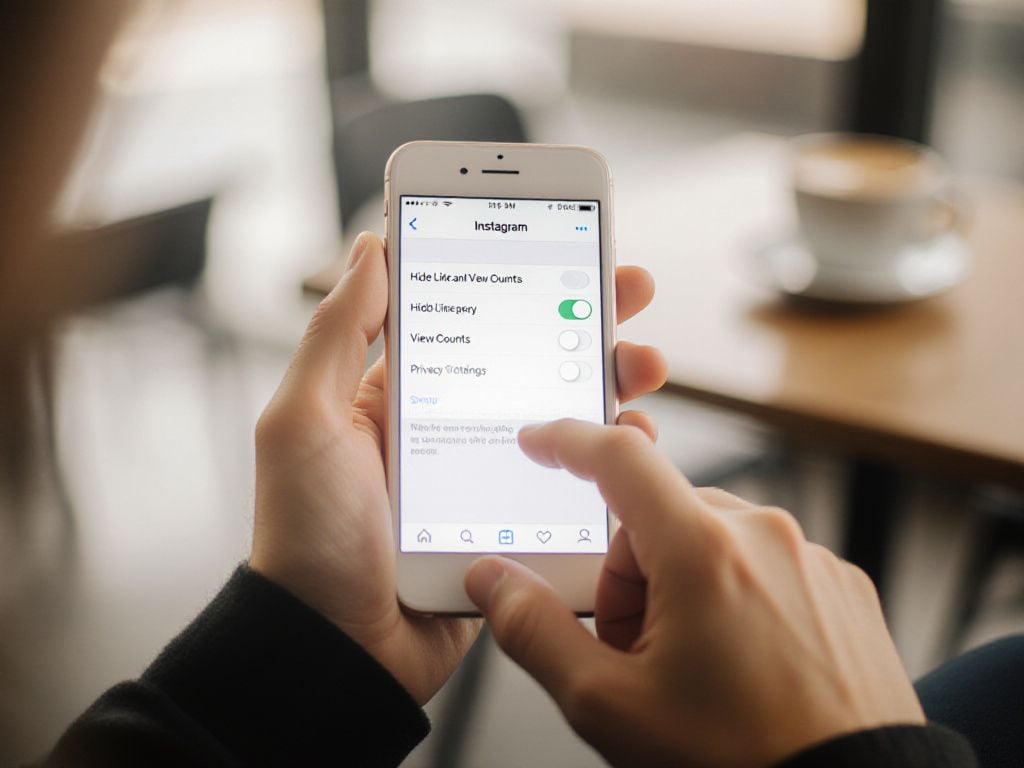
- Toggle on “Hide Like and View Counts”
Once activated, you’ll notice immediate changes in your feed. Instead of seeing “Liked by username and 1,247 others,” posts will simply display “Liked by username and others.” This applies to both regular posts and Reels from accounts you follow.
This setting affects your entire Instagram app experience, meaning all posts from other accounts will show this simplified format. The change helps reduce social comparison and allows you to engage with content based on its quality rather than popularity metrics.
When hiding likes makes sense—and when it doesn’t
Deciding whether to hide likes on Instagram depends on your specific goals and the type of content you create. While some creators and brands find freedom in removing the pressure of visible metrics, others rely on social proof to build credibility. Understanding when to hide likes can help you make the right choice for your account.
Scenarios where hiding likes is helpful
Hiding likes works particularly well for creators focused on authentic content and community building. When experimenting with new formats or styles, removing visible metrics allows you to focus on creativity without the pressure of immediate validation. This approach works well for:
- Personal brands sharing lifestyle or educational content
- Artists and photographers testing new creative directions
- Mental health advocates promoting positive social media habits
- Accounts targeting younger audiences who may be sensitive to social comparison
Content creators often find that hiding likes encourages followers to engage through comments and shares rather than passive scrolling, leading to more meaningful conversations around their posts.
Cases where showing likes might be better
For businesses and influencers who rely on social proof, visible likes serve as powerful credibility indicators. Brands launching new products or services often benefit from displaying engagement metrics to build trust with potential customers. Consider keeping likes visible when:
| Content Type | Why Likes Help |
| Product launches | Shows market validation and interest |
| Promotional posts | Builds trust through social proof |
| Testimonials | Reinforces credibility with visible engagement |
| Contest entries | Encourages participation through visible popularity |
For accounts in competitive niches, visible likes can differentiate your content from competitors and attract potential collaborators or sponsors who evaluate engagement metrics when making partnership decisions.
Does hiding likes affect post performance?
One of the most common concerns about Instagram’s hide likes feature is whether it impacts how your content performs on the platform. The good news? Hiding likes doesn’t affect your post’s reach or visibility in the Instagram algorithm.
When you choose to hide likes on Instagram, you’re only changing what’s visible to your followers and other users. Behind the scenes, Instagram’s algorithm continues to track all engagement metrics—including likes, comments, shares, and saves—exactly as it did before. Your content’s performance remains completely unchanged.
Here’s what stays the same when you hide likes:
- Algorithm ranking and distribution of your content
- Reach and impressions data
- All engagement metrics in your analytics
- Your account’s overall performance tracking
The hide likes feature only affects the public display of like counts. Your post will still appear in followers’ feeds, explore pages, and hashtag searches based on its actual engagement levels. Instagram’s recommendation system doesn’t distinguish between posts with visible or hidden likes when determining what content to show users.
For businesses and content creators using Instagram to grow their following, this means you can experiment with hiding likes without worrying about reduced visibility or engagement. Your content’s organic reach depends on genuine user interactions, not whether those interactions are publicly displayed.
When you hide likes on Instagram, they disappear from public view—but that doesn’t mean you lose access to your performance data. Instagram still tracks every like, comment, and interaction behind the scenes. Here’s how to view your complete analytics even with hidden likes.
First, you’ll need to switch your personal account to a professional or creator account. This unlocks Instagram’s built-in analytics tools that show detailed performance metrics for all your posts and content.
To access your hidden like data, follow these steps:
- Open your Instagram app and go to your profile
- Tap the three horizontal lines in the top-right corner
- Select “Professional Dashboard” from the menu
- Choose “View Account Insights” to see your complete analytics
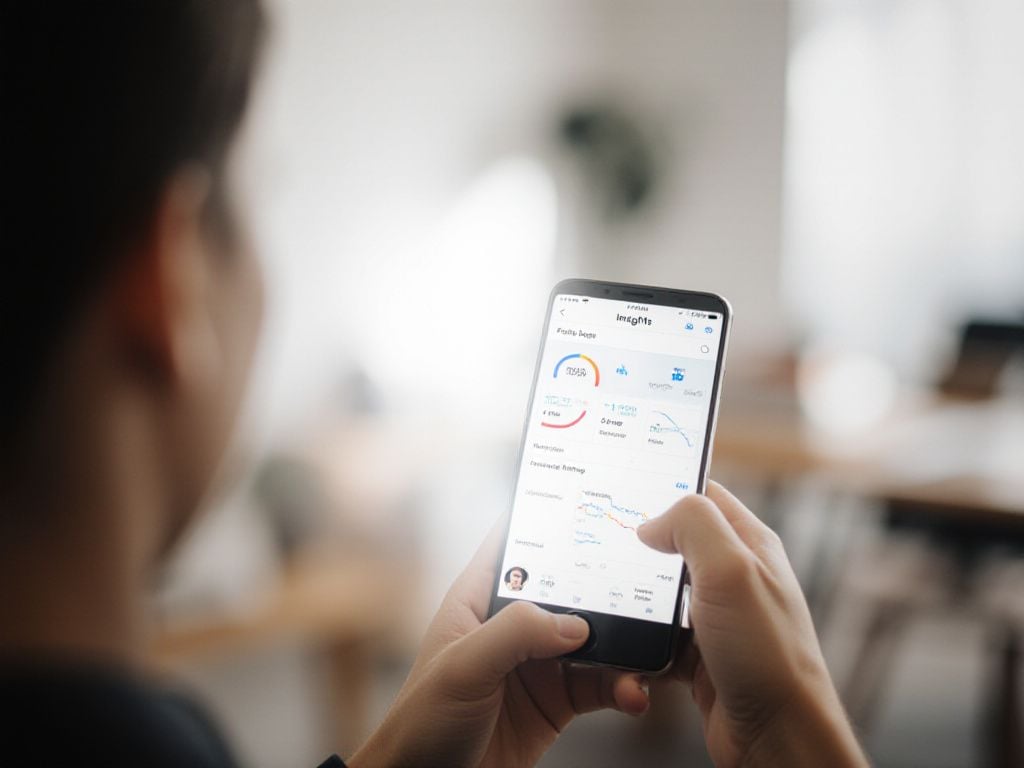
Within Instagram Insights, you’ll find comprehensive data about your posts, including exact like counts, reach numbers, profile visits, and follower growth. The platform also breaks down engagement by post type, showing which content resonates best with your followers.
For individual posts, tap any piece of content on your profile and select “View Insights” at the bottom. This reveals specific metrics like likes, saves, shares, and comments—all the data you need to understand your content performance without displaying public like counts.
Troubleshooting: Why can’t I hide likes on Instagram?
Sometimes Instagram users encounter issues when trying to access the hide likes feature. If you can’t find or use this option, several common problems might be preventing you from hiding likes on your posts.
The most frequent issue is using an outdated app version. Instagram regularly updates its features, and older versions may not include the hide likes functionality. To fix this, visit your device’s app store and update Instagram to the latest version available.
Regional availability can also affect access to this feature. While Instagram has rolled out the hide likes option globally, some regions might experience delays or restrictions. Check Instagram’s official help center or community forums like Reddit to see if other users in your area are experiencing similar issues.
Technical glitches sometimes prevent the feature from working properly. Try these troubleshooting steps:
- Log out of your Instagram account completely, then log back in
- Close the Instagram app entirely and restart it
- Clear the app’s cache through your device settings
- Uninstall and reinstall the Instagram app
- Restart your phone to refresh all running processes
If none of these solutions work, the issue might be temporary. Instagram occasionally experiences server-side problems that can affect specific features. Wait a few hours and try again, or contact Instagram support directly through the app’s help section.
Conclusion
Hiding likes on Instagram offers flexibility to focus on authentic content rather than vanity metrics. Whether you choose to hide likes before posting or after publishing, this feature empowers creators to build genuine connections. As social media evolves toward healthier interactions, controlling like visibility becomes a valuable tool for mindful engagement.
Frequently Asked Questions
What’s the process to hide likes on my Instagram posts?
To hide likes on Instagram, you can disable like and view counts in Advanced Settings when posting, or use the global “Hide like & share counts” option in your account settings. You can also hide your activity on others’ posts by adjusting the “Likes you’ve made” privacy setting, though this newer feature may not be available to all users.
Is it still possible to hide likes on Instagram posts?
Yes, you can still hide likes on Instagram. When creating a post, tap “More options” at the bottom, then toggle “Hide like counts on this post” on or off. This setting can be adjusted both before publishing and after your post goes live, giving you full control over like visibility.
Are my Instagram likes visible to other users?
Your Instagram likes visibility depends on privacy settings. Likes on public posts are visible to everyone, while likes on private accounts are only seen by approved followers. However, your likes might still appear through followers’ activity feeds. You can hide like counts on your own posts to reduce overall visibility.
How can I disable all my Instagram likes completely?
To turn off all your likes on Instagram, navigate to your profile settings and select “How you use Instagram.” Then go to “Your activity” section, click on “Interactions,” and select “Likes.” From there, you can manage and disable your like activity across the platform completely.